

How connectors work
- Each person connects for themselves. A ticket is always created by the Fluid person who sent it. A label added by someone who hasn’t connected creates nothing.
- One way only. Work comes into Cowork. Fluid never writes anything back to Linear or monday: no status changes, no comments, no links.
- One ticket per issue or item. Sending the same issue or item again doesn’t make a second ticket.
- Later edits stay in the other tool. Changing the issue or item after it’s sent doesn’t change the ticket.
Find the Connectors page
In the Fluid admin, open Cowork. Click Connectors in the board’s toolbar. If only one tool is available, the button is named after it instead, for example Connect Linear.
The Connectors button in the Cowork board's toolbar.
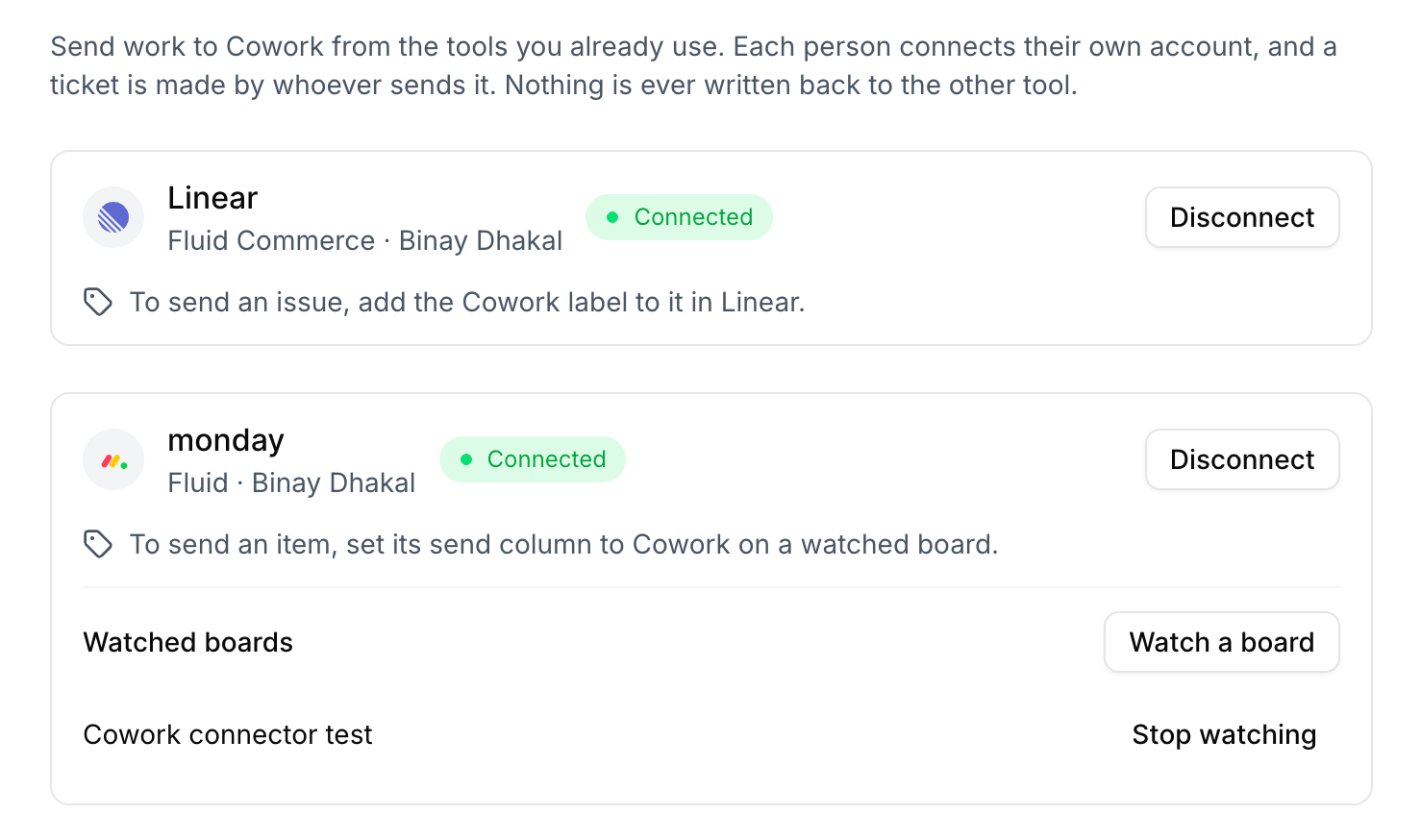
The Connectors page with Linear and monday connected.
Connectors are being rolled out company by company. If you don’t see the
button, ask your Fluid contact to turn connectors on for your company. You
also need permission to create Cowork tickets.
Choose your tool
Linear
Add the Cowork label to an issue to send it.
monday
Watch a board, then set an item’s status to Cowork to send it.